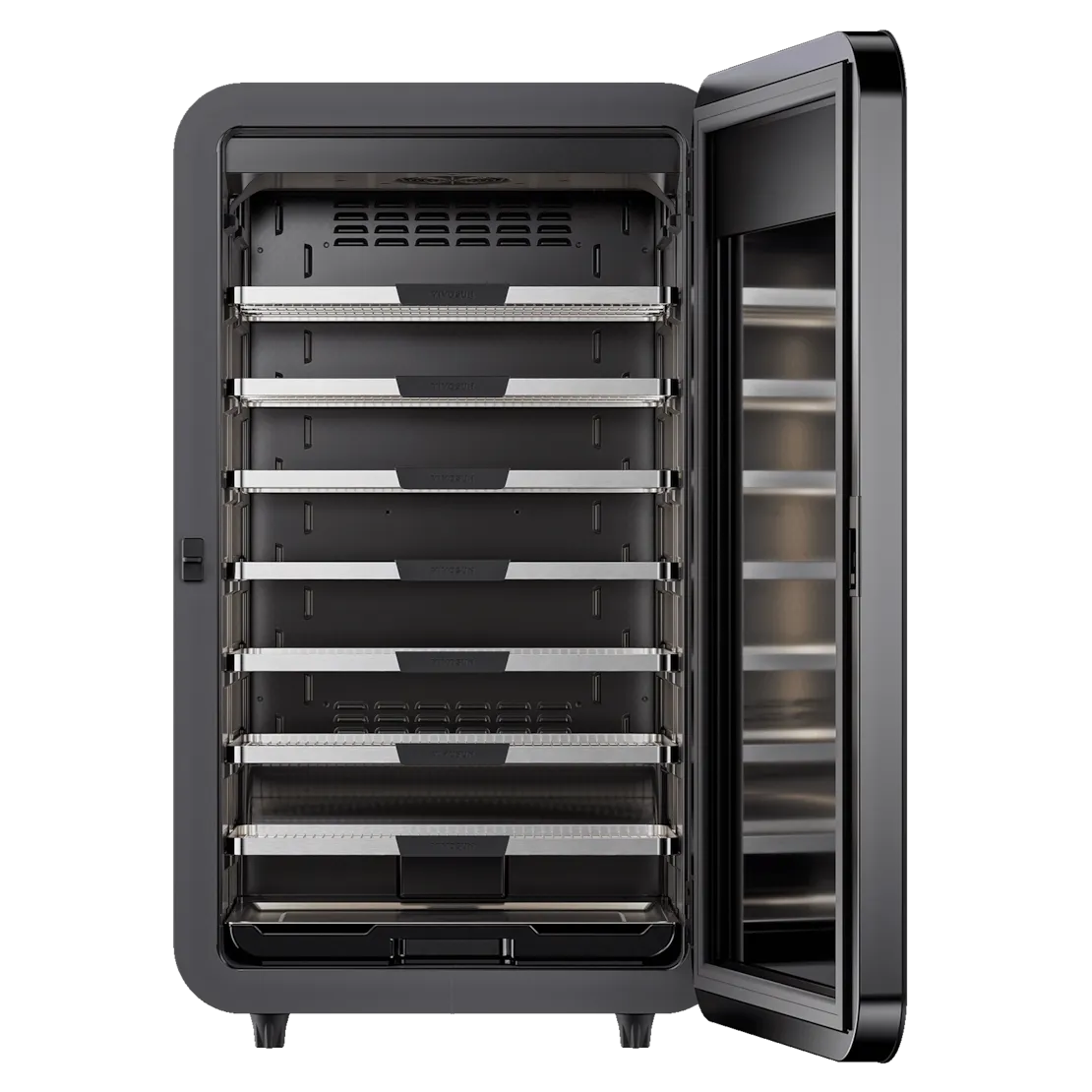
What are the core climate control capabilities of the VIVOSUN VCure?
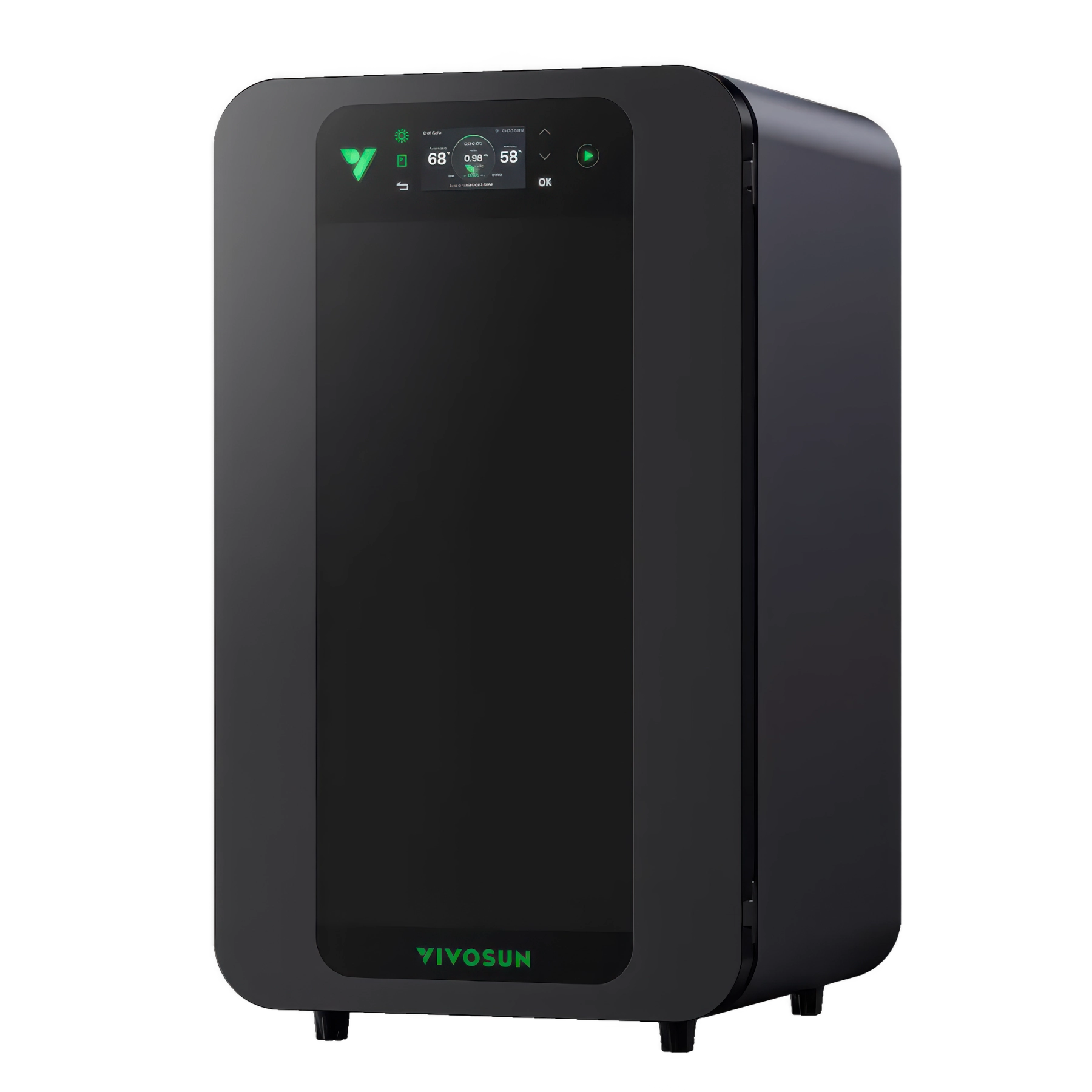
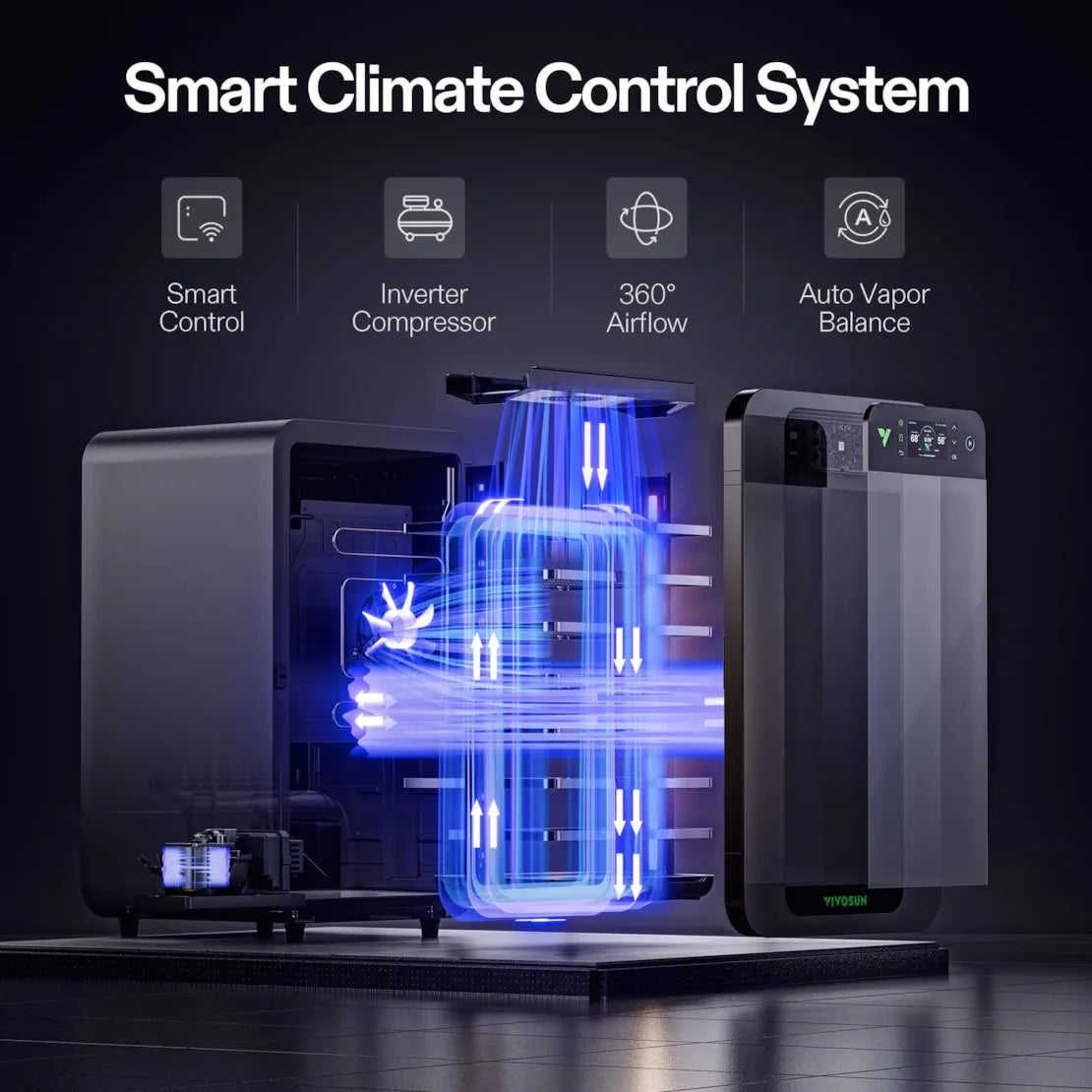
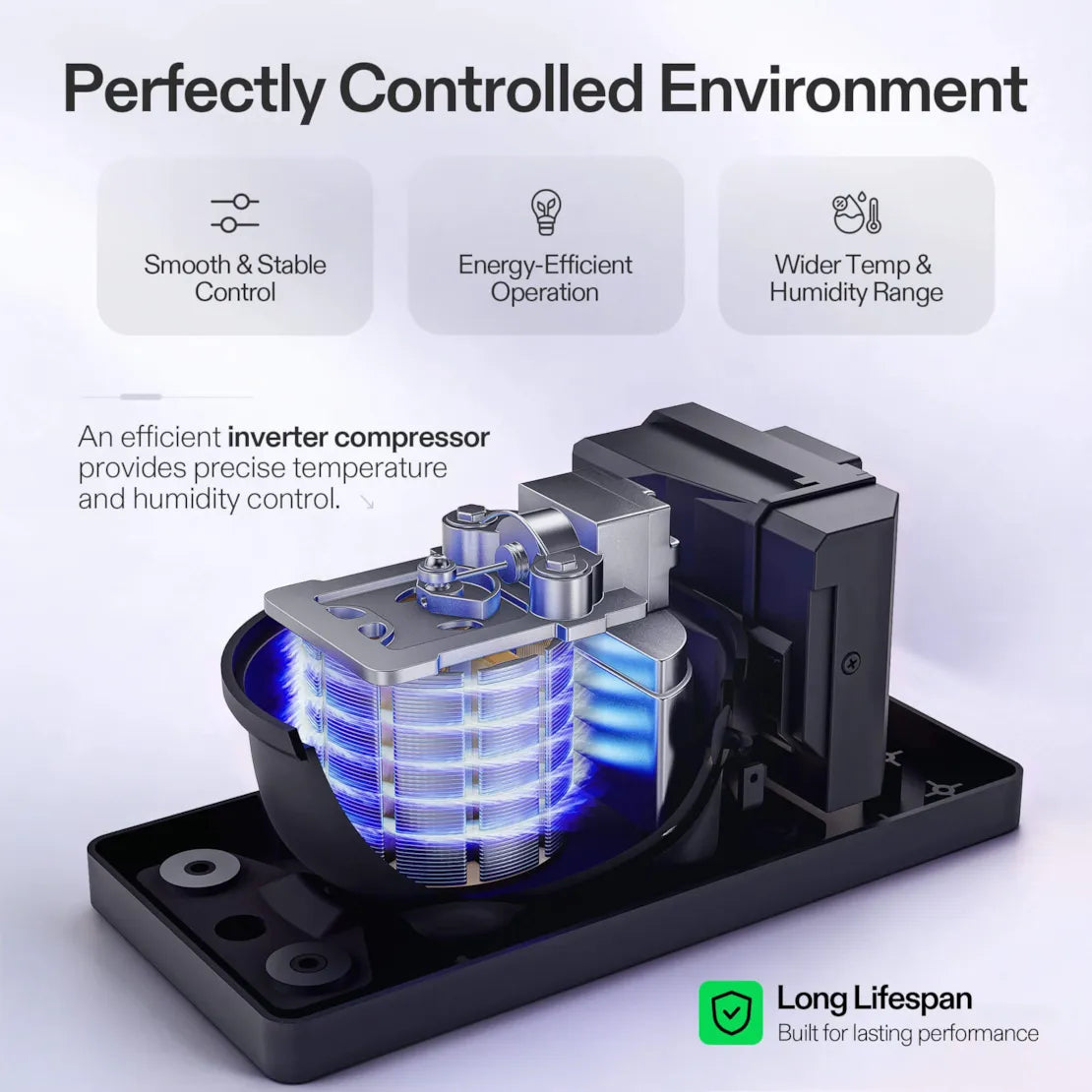
Equipped with an advanced variable frequency compressor, the VCure can precisely control temperature and humidity. It automatically cools, heats, dehumidifies, or humidifies as needed, maintaining a highly efficient and stable environment ideal for post-harvest processing.
What design advantages does the VCure have in terms of airflow and circulation?
It features a dual-duct design that creates 360° horizontal and vertical airflow circulation. This effectively eliminates hot spots, ensures every shelf dries evenly, and delivers consistent results. It also includes an automatic steam balance system, so you don't have to manually drain or add water frequently — it keeps humidity stable with minimal effort.
What user-friendly design details does the VCure product have?
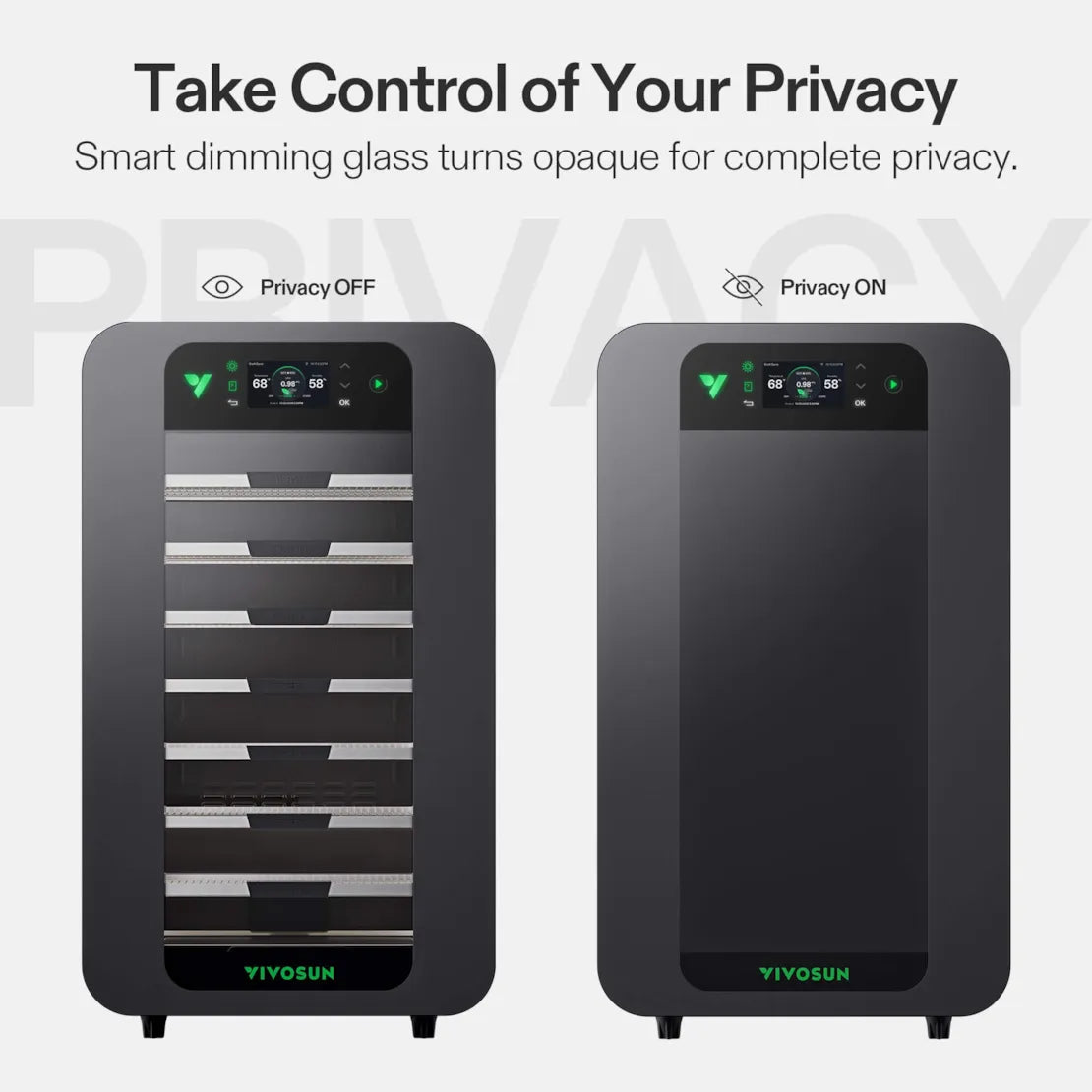
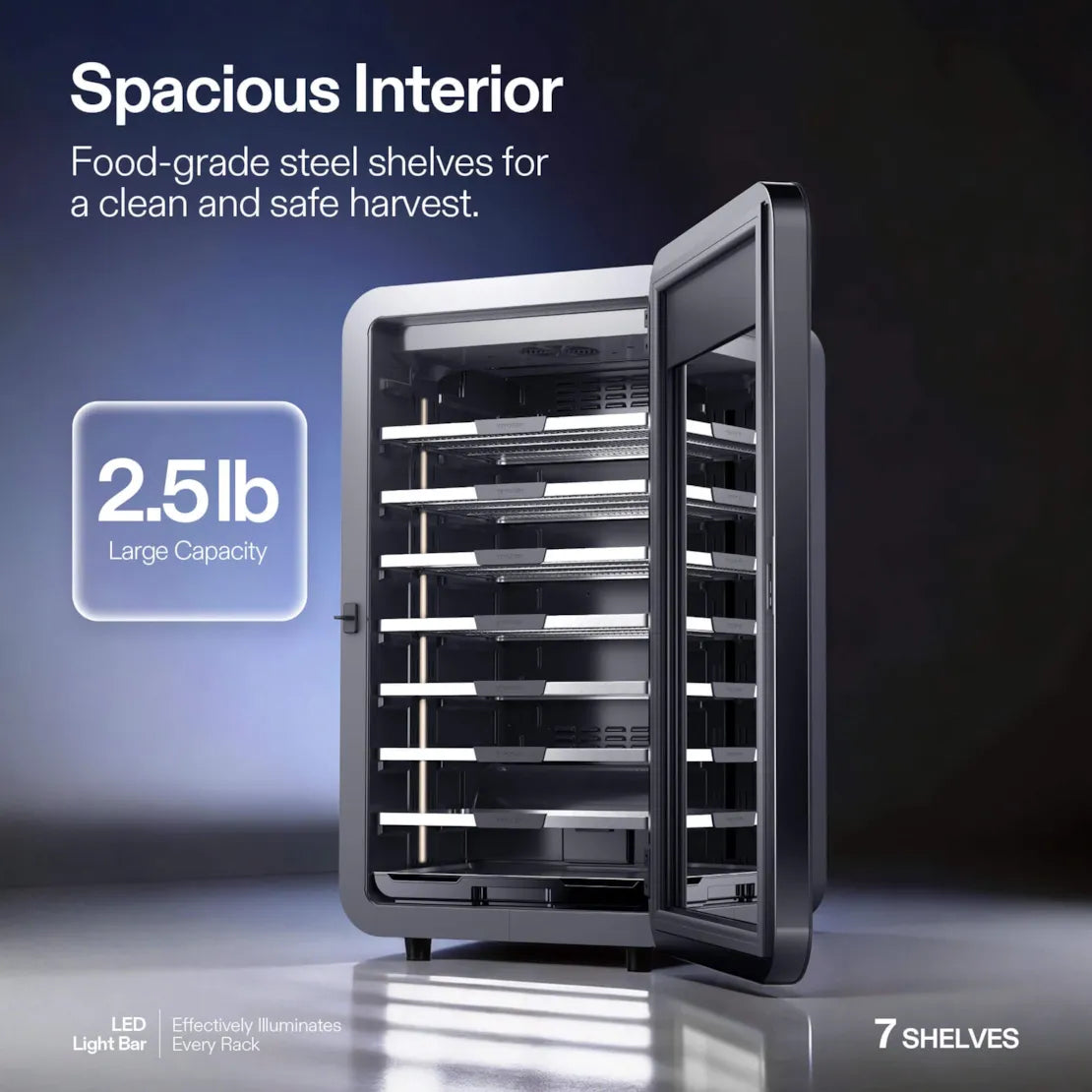
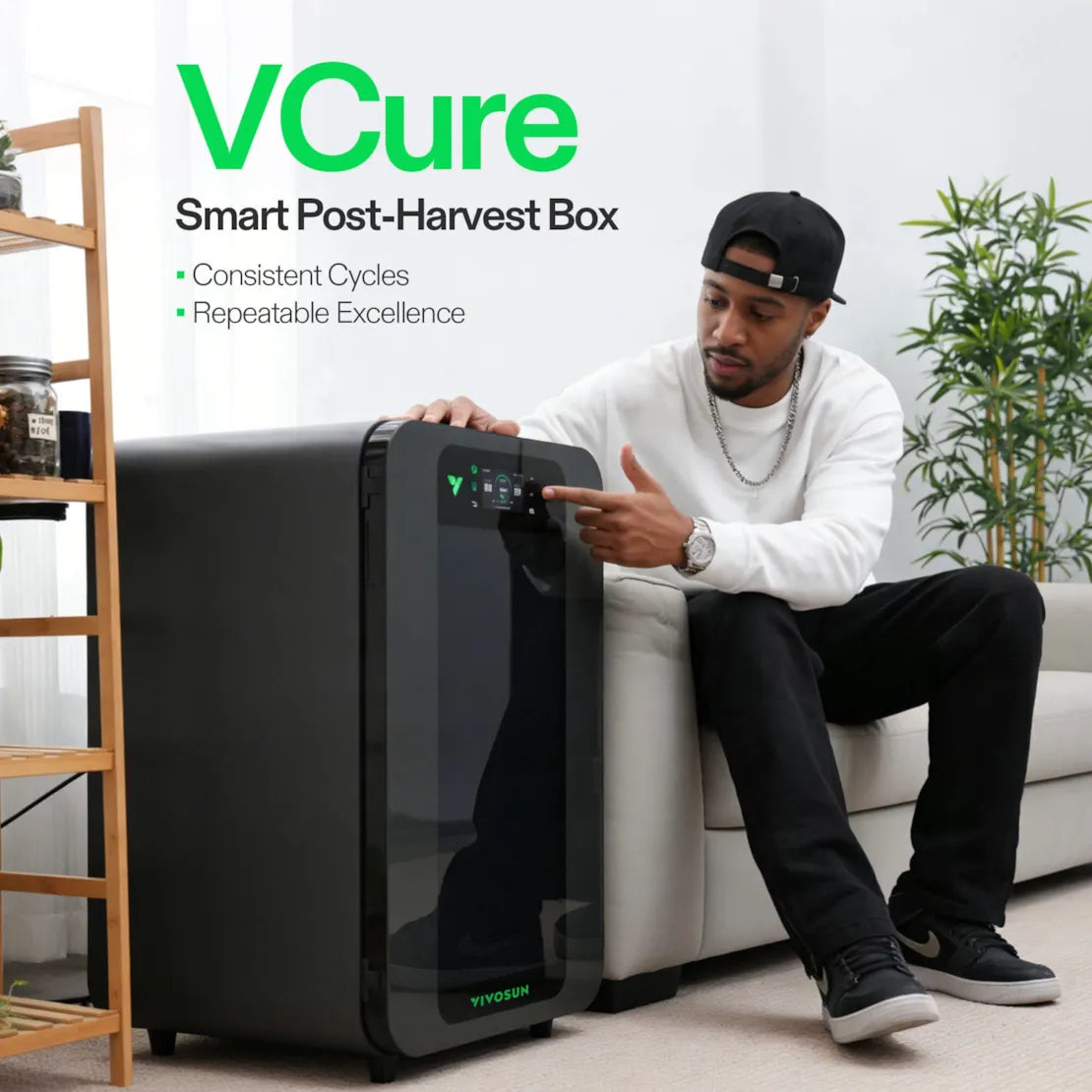
Smart privacy glass: With one touch, you can switch between opaque and transparent modes. It protects your harvest's privacy while still allowing you to check on it. Paired with built-in LED lighting, you can clearly see every detail inside the unit. Intelligent safety protection: It comes with a smart lock and door-open alarm to prevent children from accidentally opening it, ensuring safe and secure use.
Does setting up the VIVOSUN VCure for the first time require complicated configuration?
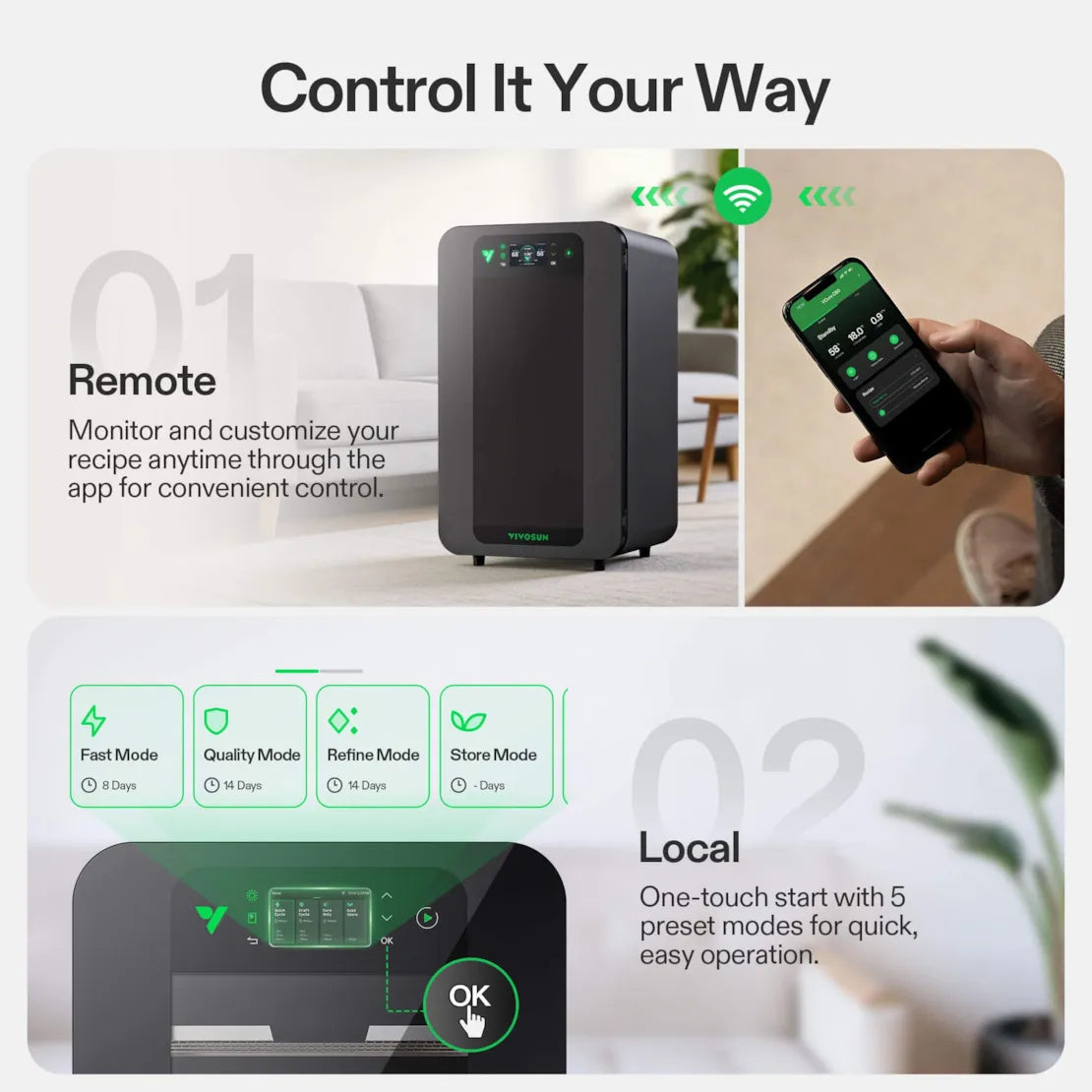
No complicated setup required. The device supports one-touch startup and offers 5 preset modes directly on the touchscreen for easy operation. For more personalized needs, you can create and save custom recipes through the App.
What operations can I perform on the VCure through the App?
Through the App, you can perform full remote control, including real-time viewing of internal temperature and humidity, starting/stopping the device, switching operating modes, customizing and saving recipes, and even sharing recipes with friends.
What should I do if the smart lock or door-open alarm on the device stops working?
First, check if the power cord is properly connected. Restart the device and try turning the function back on. If it still doesn't work, check whether it's a settings issue and reset the device to factory defaults, then reconfigure it. If the above steps don't resolve the problem, please contact VIVOSUN official after-sales support for inspection and repair.
Can the VCure operate without the app or internet, and what happens if power is lost during a cycle?
The VCure can operate without the VIVOSUN app or an internet connection. All preset programs can be started and controlled directly from the device's control panel, allowing the unit to run independently in offline mode. If power is lost during a cycle, what happens after power is restored depends on whether the device was connected to the VIVOSUN app and Wi-Fi before the outage:(1) If the device was connected to Wi-Fi and the app, after power is restored, the VCure will automatically reconnect and resume the previous program settings.(2) If the device was not connected to the app, recovery depends on how long the power outage lasted: Within about 24 hours: The device can usually continue operating with the previous settings. Longer than 24 hours: Environmental conditions inside the unit may no longer be accurate, and it is recommended to restart the cycle.
Can multiple VCure units be stacked?
VCure is not designed to be stackable. For optimal airflow, cooling efficiency, and safety, each unit should be placed on a flat, stable surface with sufficient clearance around it. Stacking units can interfere with ventilation, reduce performance, and may pose a safety risk.
How noisy is the VCure during operation? Is it normal to hear sounds when switching modes?
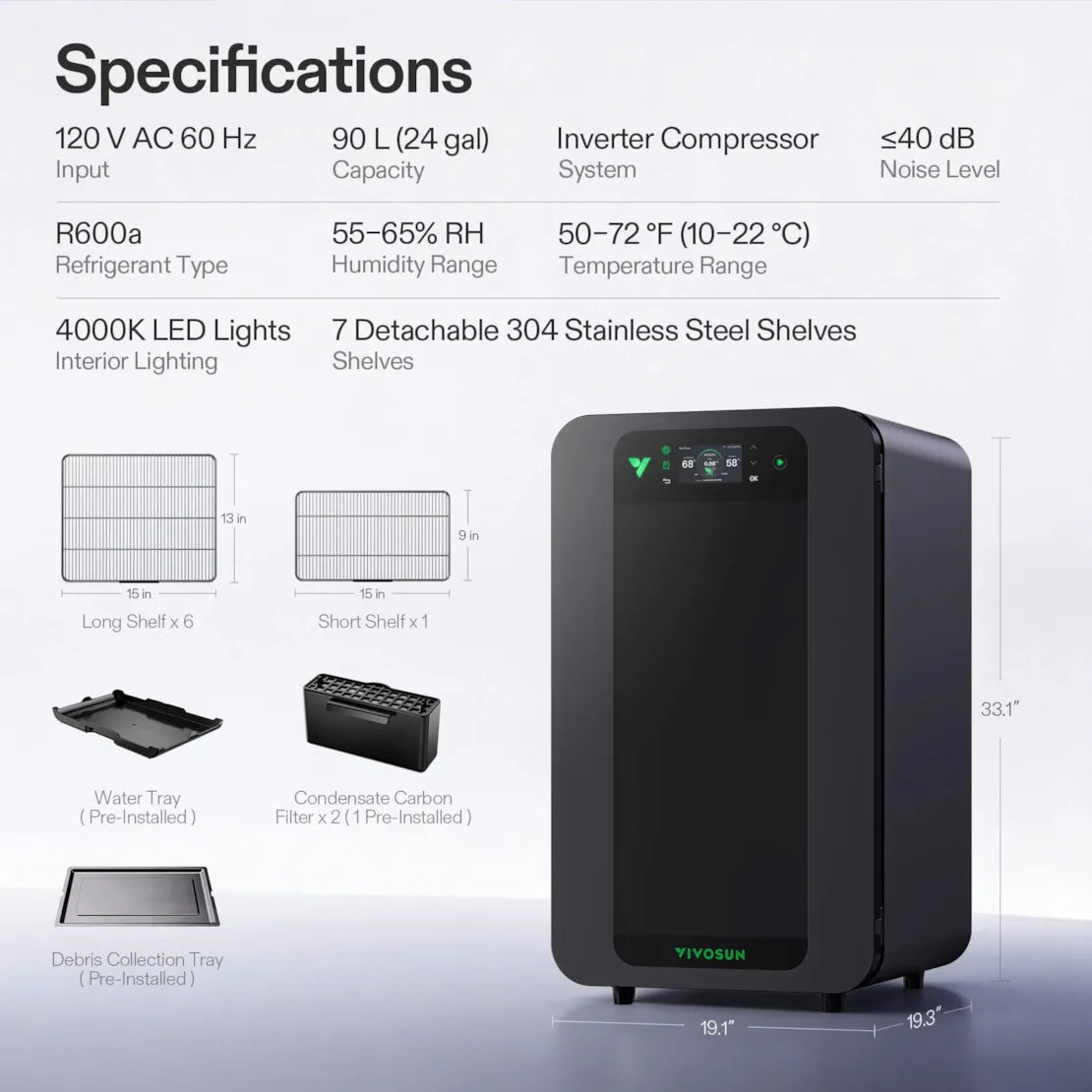
The VCure uses a variable-frequency compressor, which keeps noise levels below 40 dB during normal operation. This makes it very quiet, comparable to a typical household refrigerator. It is normal to hear some sounds when the unit switches modes. These noises are minor and expected as the compressor adjusts, and they do not indicate a problem with the device.
Why does my VCure show "Successfully Added" but not appear in the Garden page in the VIVOSUN app?
The VCure is a non-grow device and uses its own independent recipe system, so it is not assigned to any Garden in the VIVOSUN app. Even if the setup process shows "Success", the VCure will not appear on the Garden page or under a Garden's device list. You can follow the steps below to access and use VCure: 1. Open the VIVOSUN app Home screen. 2. Tap "Device" on the left side of the screen. 3. Find VCure in the device list. 4. Tap the device to access its controls and recipes.